Most websites do not lose customers because of one dramatic failure. They lose them through small moments of friction: a vague headline, a slow mobile page, an unclear service, or a form that asks for too much too soon.
Individually, each issue may look minor. Together, they can make a strong brand feel difficult to understand and even harder to choose. Here are seven conversion leaks worth checking first.
1. The first screen does not explain the value
Your opening section should answer three questions quickly: what do you do, who is it for, and why should someone care? A clever headline can create personality, but it still needs enough context to guide a new visitor.
Support the headline with a concise explanation and one primary action. If several messages compete above the fold, none of them feels important.
2. Mobile feels like a smaller desktop site
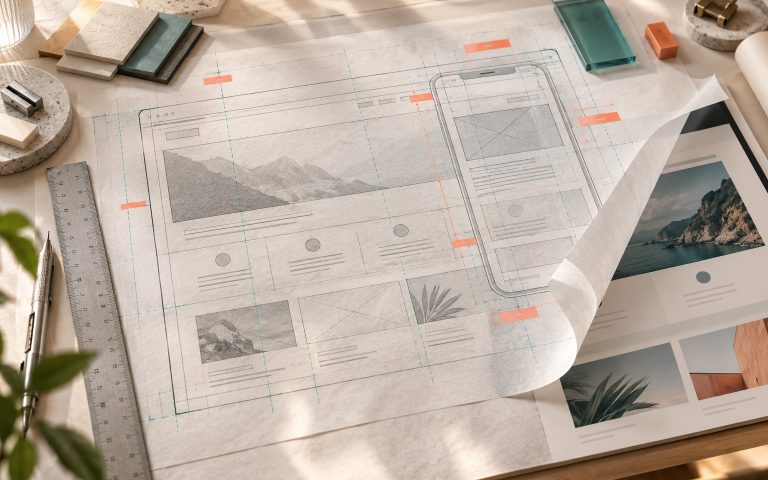
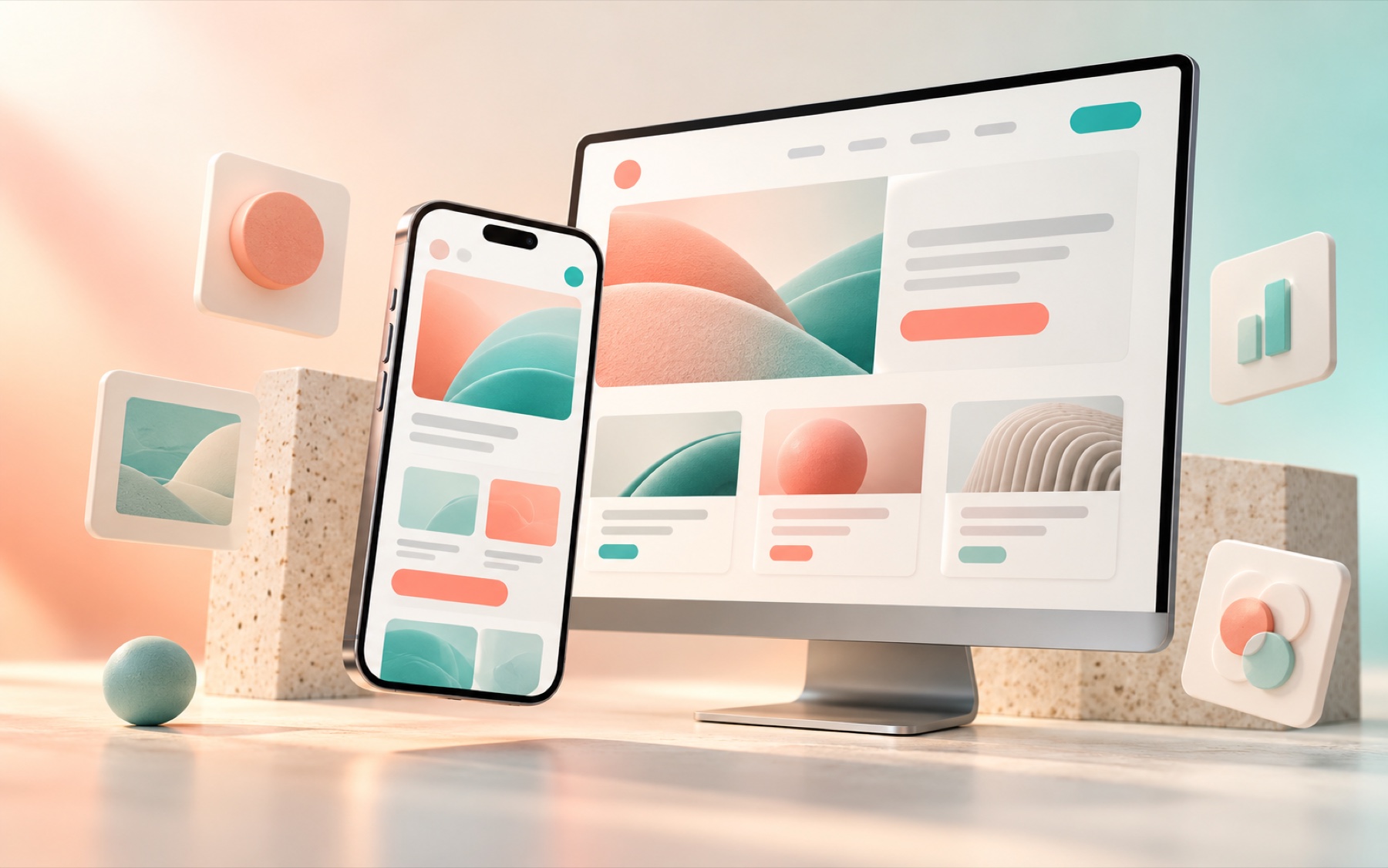
Mobile design is not simply desktop content compressed into one column. Buttons need comfortable spacing, text needs a readable line length, images need an intentional crop, and important actions should remain easy to reach.
Test the site on a real phone. Move through it with one hand, complete a form, open the menu, and check whether every section still has a clear purpose.
3. The navigation reflects your organisation, not the customer
Internal terminology often makes sense to the team and no one else. Navigation should match how customers think about their needs. Use familiar service names, group related options, and keep the number of top-level choices under control.
A premium website does not show visitors everything at once. It reveals the right information in the right order.
4. Service pages describe activity instead of value
A list of deliverables is useful, but it does not explain why the work matters. Connect each activity to the problem it solves and the outcome it supports. Strategy, content, design, community management, and reporting should feel like parts of a coherent result.
Also explain who the service suits. Clear qualification builds confidence and reduces poor-fit enquiries.
5. Proof appears without context
A logo wall creates recognition, but it does not tell the whole story. Add concise case studies, specific testimonials, before-and-after examples, or process evidence. The strongest proof mirrors the concern a prospect already has.
Place proof near relevant claims. If a service page promises stronger conversion, show evidence of conversion work on that page rather than asking visitors to find it elsewhere.
6. Calls to action compete with each other
When every section asks for something different, the visitor has to decide what the business wants them to do. Choose one primary action for each page and use secondary actions carefully.
- Use specific button labels.
- Repeat the primary action after key sections.
- Give lower-intent visitors a useful alternative.
- Make the result of clicking clear.
7. The enquiry process creates unnecessary work
Long forms can feel like an application before trust exists. Ask only for the information needed to start a useful conversation. Explain what happens after submission, how quickly the team responds, and whether the first call is exploratory or strategic.
Confirmation pages matter too. Use them to reassure the prospect, set expectations, and offer one useful next step.
Fix the journey, not only the page
Conversion improvement is not about adding more buttons or aggressive pop-ups. It is about making the journey clearer. Review the path from the first advert or social post through the landing page, proof, offer, enquiry, and follow-up.
When every stage continues the same promise, visitors spend less energy interpreting the experience and more energy deciding whether the offer is right for them.